
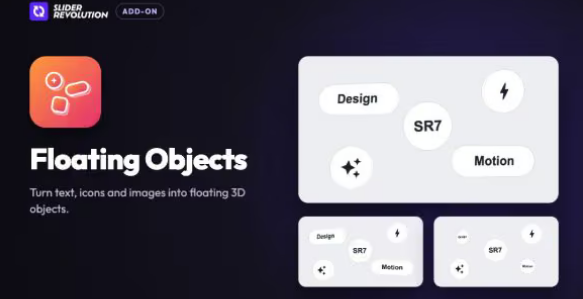
Slider Revolution Floating Objects Addon
Floating Objects turns text, icon and image layers into 3D coins, pills and tiles with a thin outline, their face drawn from the layer itself. They drift gently and lean toward the pointer, the near ones more than the far ones, and every layer stays editable and clickable.
Floating feature icons around a hero headline
Soft Float, Coin and Deep Parallax turn icon and word layers into round coins and pills that float around your headline. A font icon or SVG is drawn on the face as itself, and Depth decides how far back each object sits: the near ones lean toward the pointer more than the far ones.
Product images as 3D tiles on a collection page
Product Tile and Color Block turn image layers into rounded square tiles with real thickness and the picture on the face. Thickness sets how deep the slab is, Tilt gives it a resting angle, and Color Block paints the sides a strong blue with Colors set to Custom.
Badges and stats that follow the pointer
Badge and Dark Plate set a word or a figure on a coloured pill, pink on white or light on dark. Colors switches from From Module to Custom, where Surface, Lines and Content style the plate, its outline and its text, and Pointer Lean sets how far each one turns toward the cursor.
Words as floating plates in a studio intro
Slow Drift lets cream plates wander wide and slow with only a little pointer lean. Shape on From Content makes a pill of a long word and a coin of a short one, Round, Pill and Rounded Square fix it, and Float and Float Speed set how far and how fast each plate drifts.