
Slider Revolution Hover Morph Addon
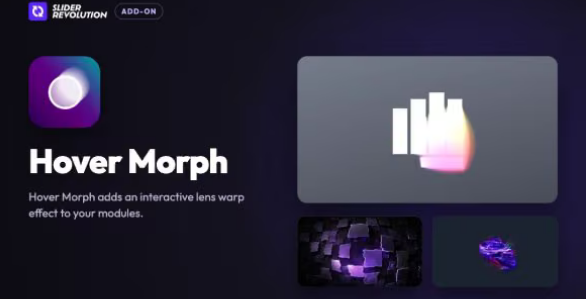
Hover Morph turns any layer into a cursor-reactive reveal. Paint away one image to expose another, or morph images, video, shapes, and text into fluid silhouettes, complete with chromatic edges, organic warp, and glow.
Liquid hover effect on a hero image
For a hero image, presets such as Liquid Flow, Ripple Water, Soft Displace and Glass Drift work through the Hover Morph controls. Displace, Displace Amount, Warp, Warp Detail, Flow Speed and Smoothness set how the surface responds, and Ripple, Ripple Wake and Drag are available where a preset uses them.
A reveal mask that follows the cursor
Spotlight Reveal, Displace Reveal, Elegant Reveal and the Brush presets tie the effect to the pointer. Revealed (inside) and Overlay (outside) define what shows in each state, Overlay Color sets the outside fill, and Mouse Behavior, Radius, Reveal, Brush Size and Edge Softness control how the masked area tracks the cursor.
Text distortion and 3D tilt on hover
For headings and text, Light Hole Text Dark, Black Hole Text Light, 3D Card and Chromatic Rush use the same panel. Chromatic, Strength, Edge Glow, Glow Color and Glow Strength drive the chromatic and glow presets, while 3D Tilt, Depth, Hover Zoom and Scale handle the card and tilt behaviour. Text Size and Fill Image sit under the Cinematic group.
Grain, vignette and interaction colour
The Cinematic section adds Grain, Vignette and Depth of Field with their own Strength control. The Interaction Effect section carries Radius, Chromatic, Idle Color and Hover Color, so you can set separate colours for the resting and hovered states.